1
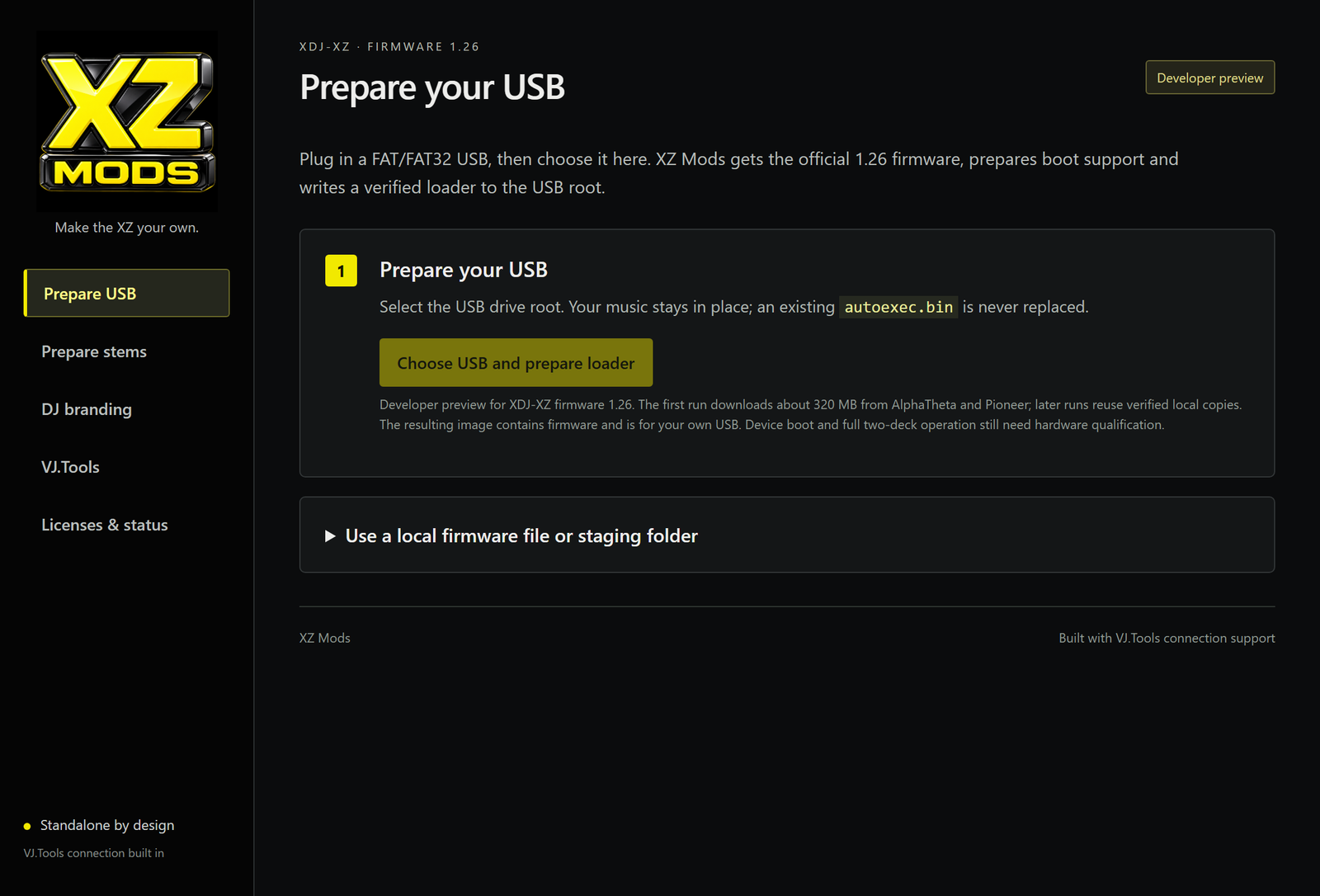
Prepare your USB
Open XZ Mods on Windows, click Choose USB and prepare loader, and select your FAT32 USB drive. The app downloads and verifies what it needs, then adds the loader to your stick.
Use your music USB or a separate loader stick. Preparing a new loader does not format the drive or overwrite your music or an existing loader. To update one, use Back up and update loader.
Using a separate loader stick?
You can remove it once the mod has loaded into memory. Keep the USB containing your music and stems connected while playing.
To return to stock, power off and restart without a USB containing the loader.
01 / LOADFrom your USB
The app adds autoexec.bin to your stick.
02 / PLAYRuns in memory
The XZ's internal firmware stays unchanged.
03 / RESETBack to stock
Power off and restart without the loader.